Processing invoices manually costs more than most small business operators realize. Every paper invoice that moves through email, gets approved on a spreadsheet. And triggers a manual bank transfer carries a fully loaded processing cost of $15 to $40 per document. A business handling 200 invoices per month at the median rate of $22 per invoice spends $52,800 annually on a task that accounts payable software handles for under $12,000, and does it faster and with fewer errors.
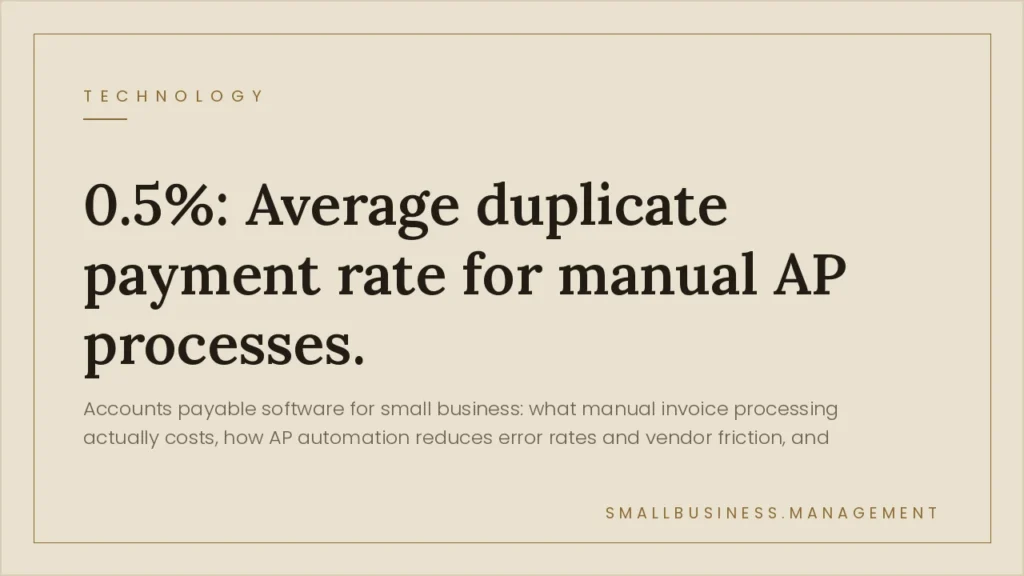
The cost is not just in labor. Duplicate payments average 0.5% of total AP spend. For a $3M revenue business spending 30% on vendor payments, that is $4,500 lost to duplicates each year. Late payment penalties on net-30 terms compound on top of that. AP automation eliminates both.
Table of Contents
What Manual AP Actually Costs at Different Revenue Levels
Annual AP Processing Cost: Manual vs. Automated
Calculate Your Current AP Cost
AP Cost Calculator
AP Software Comparison: Which Platform Fits Your Business
| Platform | Best For | Starting Price | Invoice Capture | Approval Workflow | Integrations |
|---|---|---|---|---|---|
| Bill.com | $1M–$10M revenue, QuickBooks/NetSuite shops | $45/user/mo | OCR + email | Multi-level | QuickBooks, NetSuite, Xero |
| Tipalti | Global payments, 10+ employees | ~$149/mo base | Supplier portal | Advanced | NetSuite, Sage, SAP |
| Stampli | Mid-market, complex approval chains | Custom pricing | AI-powered | Collaborative | 80+ ERP/accounting systems |
| QuickBooks AP | Sub-$1M revenue, existing QBO users | Included in QBO | Email + manual | Basic 2-level | Native QBO only |
| Ramp | Combined AP + corporate cards | Free tier available | Receipt capture | Policy-based | QuickBooks, NetSuite, Sage |
How to Implement AP Software Without Disrupting Vendor Relationships
- Audit your current AP workflow first. Document how invoices arrive (email, mail, supplier portal), who approves at each stage, and your average days payable outstanding (DPO). You need this baseline to measure ROI after implementation.
- Map your approval thresholds. Establish dollar limits for each approval level before you configure the software. Most small businesses need at minimum: auto-approve under $500, single-approver for $500–$5,000, two-approver for above $5,000. Write this policy before touching the platform.
- Notify vendors before you switch. Send a one-paragraph email to every vendor explaining the new payment process and the expected timeline. Surprise process changes create relationship friction and payment disputes. Give 30 days of lead time.
- Run parallel processing for 30 days. Process every invoice through both the old system and the new software for the first month. Do not go live on payments until you have verified accuracy across at least 50 invoices. This catches OCR errors and missed workflow steps.
- Connect to your accounting system before processing payments. The integration between AP software and your general ledger is the most critical configuration step. Verify that GL coding, department allocations, and vendor records sync correctly before any payments go out.
- Set up duplicate detection and fraud controls. Enable duplicate invoice detection (by vendor, amount, and date range), require W-9 verification for new vendors, and set up bank account change alerts. These three controls prevent the most common AP fraud vectors before they cost you money.
Already Running AP Software But Still Losing Money on Vendor Costs?
Read the SBM guide on reducing vendor costs, the procurement side of AP that software alone does not fix.
A fractional COO from BusinessAdvisors.io can audit your AP workflow, identify the exact dollar leakage, and configure the right automation stack for your volume, typically in under two weeks. BusinessAdvisors.io →
Frequently Asked Questions
What is the difference between accounts payable software and accounting software?
Accounting software (QuickBooks, Xero, Sage) manages your general ledger, financial reporting, and bank reconciliation. AP software specializes in the invoice-to-payment workflow, capturing invoices, routing them for approval, and executing payments. Most AP platforms integrate with accounting software rather than replacing it. Some accounting platforms have basic AP modules built in, but dedicated AP software handles higher volumes with better approval controls and audit trails.
How many invoices per month justify AP software?
The break-even point depends on your current processing cost. At the industry median of $22 per invoice, a business processing 30 invoices per month spends $7,920 annually on AP labor. Basic AP software starts at $45–$100 per month ($540–$1,200 annually). The labor savings alone typically justify software at 20 or more invoices per month. Error reduction and audit trail benefits make the case at even lower volumes.
Can AP software prevent fraud?
AP software reduces but does not eliminate fraud risk. The most effective controls are. Duplicate payment detection (flags same vendor. Amount, and invoice number), bank account change alerts (flags when a vendor changes their payment details, a common social engineering attack), and segregation of duties (the person who approves invoices cannot also initiate payments). These three controls, combined with annual vendor master audits, address the most common small business AP fraud vectors.
What is three-way matching in AP?
Three-way matching compares three documents before releasing payment. The original purchase order, the receiving document (proof goods were delivered or services completed). The vendor invoice. When all three match on quantity, price, and terms, the invoice is cleared for payment. Discrepancies trigger a hold. Three-way matching is standard practice above 100 invoices per month and is the primary control against paying for goods or services not received.
How long does AP software implementation take?
A small business implementation, one accounting integration, one approval workflow, and vendor onboarding, typically takes two to six weeks. The longest part is not software configuration but process documentation (defining approval thresholds and GL coding rules) and vendor communication (notifying suppliers of new payment channels). Businesses that skip the documentation phase and configure on the fly experience significantly more invoice routing errors in the first 60 days.
Does AP software work with QuickBooks?
Most major AP platforms integrate natively with QuickBooks Online. Bill.com, Ramp, and Stampli all offer certified QuickBooks integrations that sync vendors, invoices, payments, and GL codes bidirectionally. The integration typically takes one to two hours to configure. QuickBooks Desktop (not Online) has more limited integration support, verify compatibility with your specific QB version before committing to a platform.


