Why Small Businesses Are the Primary Target
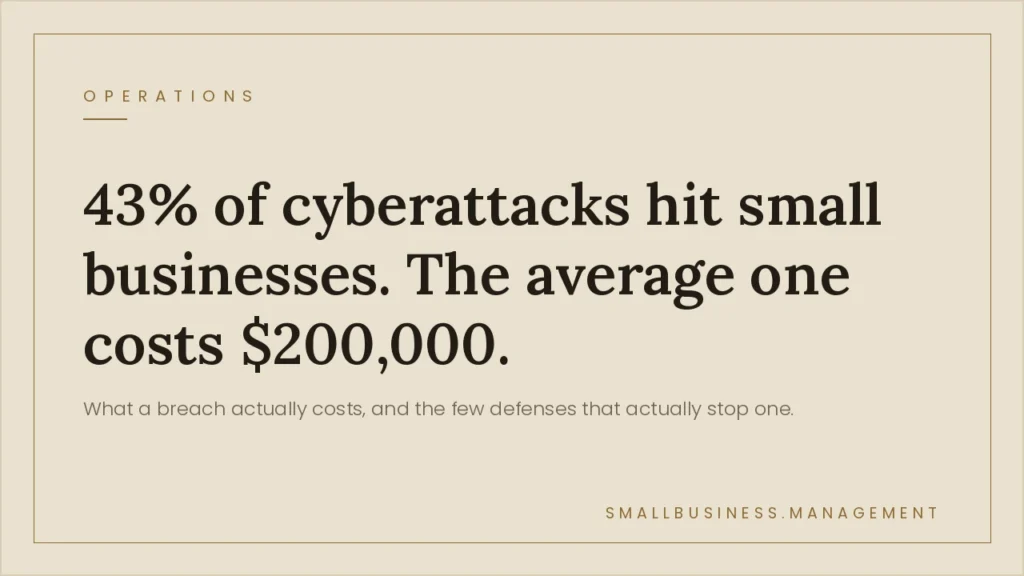
Attackers follow the path of least resistance. Large enterprises have dedicated security teams, enterprise firewalls, and incident response plans. Small businesses have the same valuable data. Customer credit cards, employee social security numbers, bank account credentials, healthcare records, but far fewer defenses. Automated attacks do not discriminate by company size. They scan the internet for vulnerabilities and exploit whatever is exposed.
The most common attack vector for small businesses is not sophisticated hacking. It is phishing. An employee clicks a link in a convincing email, enters their login credentials, and an attacker now has access to email, cloud storage, accounting software, and payroll data. No firewall blocks this. Only training and multi-factor authentication do.
The 8 Security Controls That Prevent 90% of Attacks
- Multi-factor authentication (MFA) on all business accounts. Email, banking, payroll, accounting, cloud storage: every account that holds sensitive data. MFA blocks 99.9% of credential-based attacks even when passwords are compromised. Enable it everywhere, starting with email.
- Password manager for all employees. Bitwarden (free) or 1Password ($3/user/mo) eliminates password reuse and weak passwords: the root cause of most credential theft. Employees should never know their account passwords by memory.
- Automatic software and OS updates. The majority of ransomware attacks exploit known vulnerabilities that were patched months before the attack. Enabling automatic updates on all devices removes this attack vector with zero ongoing effort.
- Cloud backup with versioning. Ransomware encrypts your files and demands payment to restore them. If you have a clean backup from 24 hours ago, the ransomware’s use is zero. Use a cloud backup service (Backblaze, $99/yr) for all business-critical data.
- Endpoint protection on all business devices. Microsoft Defender (built into Windows) is sufficient for most small businesses. For businesses handling regulated data (healthcare, legal, finance), a managed EDR solution adds detection and response capability.
- Phishing awareness training. Run a simulated phishing test once per quarter using KnowBe4 (starts free) or similar. Employees who click test links get immediate training. Annual training is insufficient: quarterly is the minimum effective cadence.
- Principle of least privilege on user accounts. Employees should only have access to the systems and data they need for their specific role. An accounts payable employee does not need access to HR records. A sales rep does not need admin access to your accounting software.
- Incident response plan (one page is enough). Who do you call if you think you have been breached? What do you do first? Who notifies customers if their data was compromised? Having these answers documented before an incident saves hours of panicked decision-making when every minute matters.
| Security layer | Recommended tool | Annual cost | Protects against |
|---|---|---|---|
| MFA | Microsoft Authenticator / Google Authenticator | $0 | Credential theft, account takeover |
| Password manager | Bitwarden Teams | $3/user/mo | Weak/reused passwords |
| Cloud backup | Backblaze Business | $99/computer/yr | Ransomware, hardware failure |
| DNS filtering | Cloudflare Gateway (free) | $0 | Malicious websites, phishing links |
| Phishing training | KnowBe4 (free tier) | $0–$25/user/yr | Social engineering, credential phishing |
| Cyber insurance | Coalition, Cowbell, Chubb | $500–$2,500/yr | Financial loss from breach |
Protecting your IT infrastructure alongside cybersecurity?


